


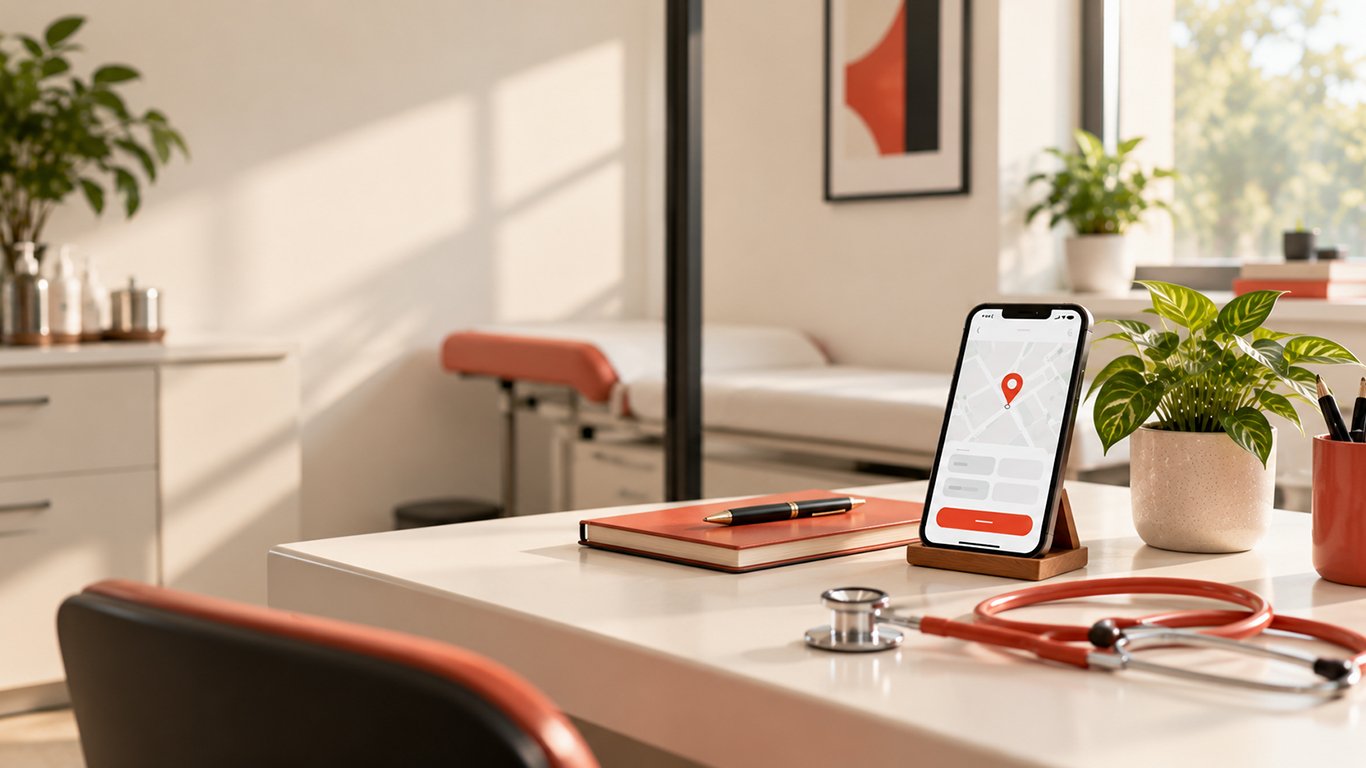
A patient searches for a doctor, opens a clinic website on their phone and tries to find the information they need. They look for the doctor’s name, specialisation, clinic address and appointment details. If those details are difficult to locate, the patient has to work harder just to take the next step.
For a healthcare website, that is an avoidable usability problem.
A professional website should help patients understand who provides the care, what services are available, where the clinic is located and how to get in touch. It should do this clearly on a mobile phone as well as on a desktop computer.
This matters for independent doctors, dentists, diagnostic centres, speciality clinics and hospitals across India, where a patient may discover a provider through a search engine, a referral or a shared link.
The good news is that improving a doctor’s website does not always require a complete redesign. Start by examining the tasks a patient needs to complete and remove the obstacles that get in the way.
Here are nine practical improvements to consider.
1. Make the doctor’s identity and speciality immediately clear
When someone lands on a medical website, they should not have to scroll through several promotional banners to discover whose website they are visiting.
The first screen should communicate the essentials:
- The doctor’s name and verified professional qualifications, where relevant.
- The medical speciality or services offered.
- The clinic or hospital name and location.
- A clear way to enquire about an appointment.
For example, a dermatologist’s website could open with the doctor’s name, a concise description of the dermatology services offered and a visible appointment contact option.
Avoid vague headlines that say only “Welcome to Our World-Class Healthcare Experience.” They may sound polished but do not tell a patient what the clinic actually provides.
The aim is clarity, not a long list of claims.
2. Put the main appointment action where patients can find it
A patient should not need to open the footer or search through several pages to discover how to contact the clinic.
Choose a clear primary action, such as “Book an Appointment” or “Call the Clinic.” Place it prominently near the main introduction and repeat it where it is useful, such as on doctor profiles and relevant service pages.
The action should match the clinic’s actual process. If appointments are handled by telephone, do not create the impression of an instant online booking system. If an online booking system is available, make sure it works and displays accurate availability.
On mobile devices, a telephone link can allow users to initiate a call directly. A WhatsApp contact option may also be useful if the clinic genuinely manages enquiries through WhatsApp.
Avoid presenting five competing buttons with equal prominence. A simple, consistent next step is easier to understand.
3. Design for mobile screens first
A website that looks excellent on a desktop monitor can become frustrating on a phone.
Common problems include text that is too small, horizontal scrolling, overlapping buttons, oversized images, menus that are difficult to open and appointment forms that extend beyond the screen.
Review the website on an actual mobile device, not only through a desktop browser’s responsive preview.
Check whether:
- The main navigation is easy to open and close.
- Headings and paragraphs are comfortable to read.
- Buttons have enough space around them.
- Contact information is visible without unnecessary scrolling.
- Images resize without cutting off important content.
- Forms fit the screen and remain usable when the keyboard opens.
Google uses the mobile version of a website’s content for indexing. Its mobile-first indexing guidance makes a mobile-friendly experience an important technical consideration, not merely a visual preference.
A responsive layout is generally a practical starting point because it adapts the same page to different screen sizes.
4. Make contact details and clinic location easy to verify
Patients need to know where to go and how to reach the clinic.
Provide a consistent clinic address, telephone number, opening hours and relevant contact instructions. If the practice has multiple branches, make the address and contact details specific to each location.
A map link can help patients navigate to the clinic. Where appropriate, include parking information, public transport guidance, accessibility details or instructions for finding the building.
If the clinic uses Google Business Profile, check that its publicly displayed details agree with the website. Inconsistent telephone numbers, outdated hours or an old address can create confusion.
Do not display opening hours or appointment availability that the clinic has not confirmed.
The website should also explain what a patient should do if the clinic is closed or the usual appointment channel is unavailable, where that information is useful.
5. Simplify the appointment form
A long form can turn a straightforward enquiry into an unnecessary task.
Start by identifying the minimum information the clinic genuinely needs to respond. Depending on its workflow, this might include:
- Patient name.
- Contact number or email address.
- Preferred appointment date or time, if applicable.
- Doctor or speciality, when multiple options exist.
- A short optional message, if needed.
Not every clinic needs every field. Avoid collecting detailed medical histories or other sensitive information through a general enquiry form unless there is a clear, appropriate reason and suitable safeguards.
Use visible labels rather than relying entirely on placeholder text. Explain which fields are required, provide understandable error messages and preserve information when a correctable error occurs.
Make the submission button descriptive, such as “Request an Appointment.” After submission, show a clear confirmation and explain what happens next. Do not imply that an appointment is confirmed unless the booking process has actually confirmed it.
Forms should also work with a keyboard and assistive technology. The W3C’s form accessibility guidance explains the importance of associating labels with form controls.
6. Improve readability and accessibility
Healthcare websites serve people with different levels of vision, mobility, digital confidence and familiarity with medical terminology.
Accessibility improvements can make routine tasks easier for a broader range of visitors.
Start with these practical checks:
Text contrast: Make sure text remains distinguishable from its background. Do not rely on pale grey text on white backgrounds for important information.
Readable typography: Use legible font sizes, sensible line lengths and adequate spacing between paragraphs.
Keyboard navigation: Users should be able to navigate menus, links and forms without being forced to use a mouse or touchscreen.
Visible focus: Keyboard users should be able to identify which element is currently selected.
Descriptive links: Use labels such as “View clinic location” rather than a series of unexplained “Click here” links.
Touch targets: Avoid tiny, tightly packed buttons. WCAG 2.2 Level AA includes a minimum target-size criterion of 24 by 24 CSS pixels, subject to defined exceptions. Larger targets are often more comfortable for everyday mobile use.
Accessibility is not just a design trend. It helps reduce friction for patients who might otherwise find the website difficult to operate.
Use the Web Content Accessibility Guidelines (WCAG) 2.2 as a reference when planning a more systematic review.
7. Build trust with accurate doctor and clinic information
A healthcare website should make it easy to establish who is providing care and what the clinic actually offers.
A useful doctor profile may include:
- The doctor’s verified name and qualifications.
- Relevant registration information, where appropriate.
- Speciality and scope of practice.
- Clinical interests and services offered.
- Clinic address and consultation arrangements.
Use genuine photographs with permission. Keep qualifications, professional memberships and experience descriptions accurate.
Avoid unsupported claims such as “India’s number one doctor,” guaranteed cures or promises of a particular treatment outcome.
Patient testimonials and reviews should never be fabricated or presented in a misleading way. Be mindful of patient privacy when publishing any patient-related material.
For a hospital or multi-speciality clinic, clear department pages and accurate information about the professionals working there can help visitors understand where to find the relevant service.
The goal is to provide verifiable information, not to make the website appear more impressive than the practice actually is.
8. Improve speed and remove unnecessary distractions
A slow website can make even simple tasks feel difficult. Large images, excessive animation, unnecessary scripts and poorly configured third-party tools can all contribute to a sluggish experience.
Begin with a few sensible improvements:
- Resize images to the dimensions in which they are displayed.
- Use appropriately compressed modern image formats where supported.
- Avoid autoplaying background videos when they do not add meaningful value.
- Remove scripts and plugins that are no longer needed.
- Reserve space for images and other elements to reduce unexpected layout shifts.
- Load below-the-fold images efficiently without delaying important content.
Measure performance rather than guessing. Google PageSpeed Insights can help identify potential problems, while Search Console can provide field data for eligible pages when sufficient data is available.
Core Web Vitals are useful performance indicators, but no single score guarantees high rankings. A website also needs relevant content, clear information architecture and a good overall experience.
If advertising is present, make sure it does not obscure the appointment button or interfere with the main content.
9. Measure whether the website helps patients take the next step
A website can attract visitors without making it easy for them to contact the clinic. Design decisions should therefore be evaluated against real user behaviour.
Depending on the website’s setup and privacy requirements, useful measurements may include:
- Clicks on telephone links.
- Clicks on the appointment button.
- Appointment-form submissions.
- Confirmed online bookings.
- Directions requests.
- Form errors and abandonment.
- The mobile experience compared with desktop use.
Use appropriate analytics and event tracking, and configure them to avoid collecting unnecessary patient information. Do not put sensitive medical details into analytics event names, URLs or tracking parameters.
Where possible, distinguish between a button click and a completed appointment. A click on “Book an Appointment” does not prove that a booking occurred.
Review the results periodically. If visitors reach the appointment page but frequently fail to submit the form, investigate the form itself before redesigning the entire website.
Small, evidence-based changes can be more useful than repeatedly changing colours, animations or layouts based only on personal preference.
A practical 15-minute doctor website audit
Open the clinic website on your phone and complete this checklist as if you were a new patient.
- Can you identify the doctor and speciality within a few seconds?
- Can you find a clear appointment or contact option?
- Can you call the clinic directly from your phone?
- Can you locate the correct address and opening hours?
- Is the text readable without zooming in?
- Can you navigate the menu without confusion?
- Can you complete the appointment form without unnecessary fields?
- Are the doctor’s qualifications and services described accurately?
- Does the page load without major delays or distracting movement?
- Is it clear what happens after you request an appointment?
Record each issue, its impact and the proposed fix. Prioritise problems that prevent patients from finding essential information or contacting the clinic.
This checklist is a quick usability review, not a formal accessibility audit, security assessment or technical SEO audit.
Frequently asked questions
What should a doctor’s website include?
A useful doctor website generally includes a clear doctor profile, speciality and service information, clinic location, contact details, appointment instructions, relevant patient information and appropriate privacy disclosures. The exact pages depend on the practice and the services it provides.
Is a mobile-friendly website important for doctors?
Yes. Patients may discover a doctor, check the clinic address or attempt to contact the practice on a phone. A responsive website makes essential information and actions easier to access across screen sizes. Google also uses the mobile version of a site’s content for indexing.
Does an accessible website improve SEO?
Accessibility and SEO are not interchangeable, and meeting accessibility guidelines does not guarantee better rankings. However, clear headings, descriptive links, readable content and crawlable navigation can support both usability and search discovery.
Should every doctor have online appointment booking?
Not necessarily. Some practices may prefer telephone bookings or a managed enquiry process. The website should clearly communicate the available method and ensure that its buttons and instructions match the clinic’s real workflow.
How often should a doctor’s website be reviewed?
Review essential details whenever they change, particularly contact information, opening hours, services and professional profiles. A periodic usability and technical review can also identify broken links, outdated content, form errors and performance problems.
Final thoughts
A doctor’s website does not need to be complicated to be useful. It needs to communicate clearly, work reliably on mobile devices, provide trustworthy information and make the next step obvious.
Start with the tasks patients need to complete. Fix the obstacles that prevent those tasks from being completed, then measure whether the changes improve the experience.
A good healthcare website is not simply a digital brochure. It is a practical point of contact between a medical practice and the people looking for its services.
Leave a Reply
We would love to hear what you think.